- AI Engineering
- Posts
- Fine-Tune LLMs with just a prompt
Fine-Tune LLMs with just a prompt
.. PLUS: Build production-ready browser-based AI agents

Sumanth P
December 19, 2025
In today’s newsletter:
Build production-ready browser-based AI agents
HuggingFace Skills: Fine-Tune LLMs with just a prompt
Reading time: 3 minutes.
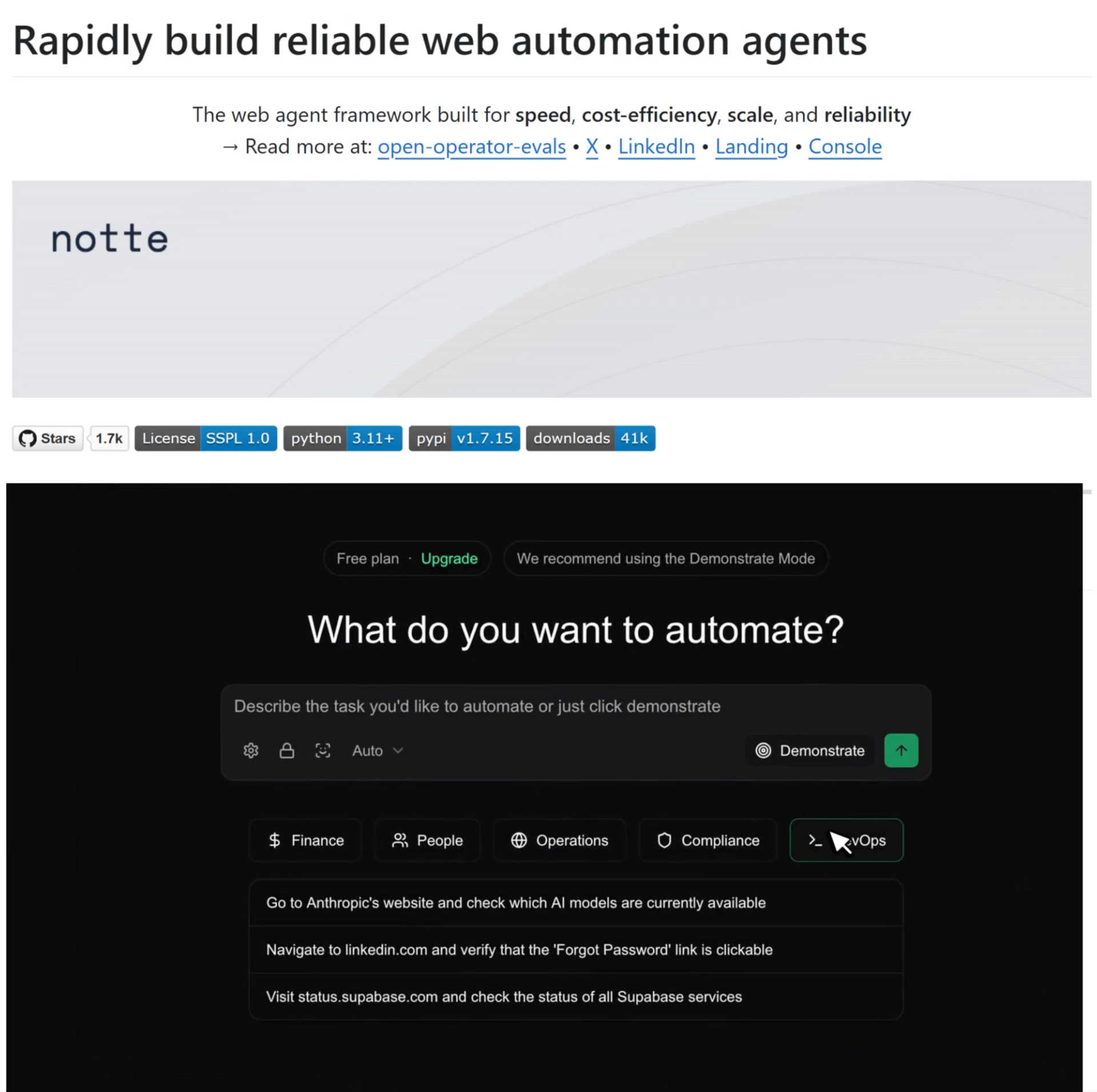
Browser-based agents are easy to demo but hard to run in production. Most setups rely on stitched-together tools, shared credentials, and limited visibility, which makes them brittle once real users, logins, and failures show up.
Notte is designed to address that gap. It provides a single, purpose-built platform for building, debugging, and deploying browser agents that are meant to run reliably over time.
Key Features:
Agent identities: Each agent gets its own email and phone number, allowing it to handle logins and 2FA directly. This removes shared credentials and makes agents auditable, first-class actors.
Studio: A unified workspace to build and debug agents. You write code, watch the agent operate in a live browser, and inspect step-by-step logs when something goes wrong.
Agent mode: Start with a natural language task, let the agent execute it in a real browser, then convert that run into editable code you can refine and deploy.
Demonstration mode: Click through a workflow once and have Notte turn it into a deterministic script. Useful when showing the system is faster than describing it, while still ending with code you control.
Fine-Tune LLMs with just a prompt
Hugging Face released a new skill called hf-llm-trainer that gives coding agents the ability to execute end-to-end model training tasks rather than just generating scripts.
Skills are packaged instructions, scripts, and domain knowledge that let's AI agents to perform specialized tasks.
The "hf-llm-trainer" skill teaches agents like Claude Code, Codex, and Gemini CLI everything they need to know about training. This includes picking GPUs for specific model sizes, configuring Hub authentication, and deciding when to use LoRA versus full fine-tuning.
Setup and Install
A hugging Face account with a pro or Team/Enterprise plan (Jobs require a paid plan)
A write access token from huggingface.co/settings/tokens
A coding agent like Claude Code, OpenAI Codex, or Google’s Gemini CLI.
Let’s implement it with Claude Code
Setup & Authentication
In your terminal with Claude Code active, register and install the training skill:
i. Register the repository as a marketplace plugin:
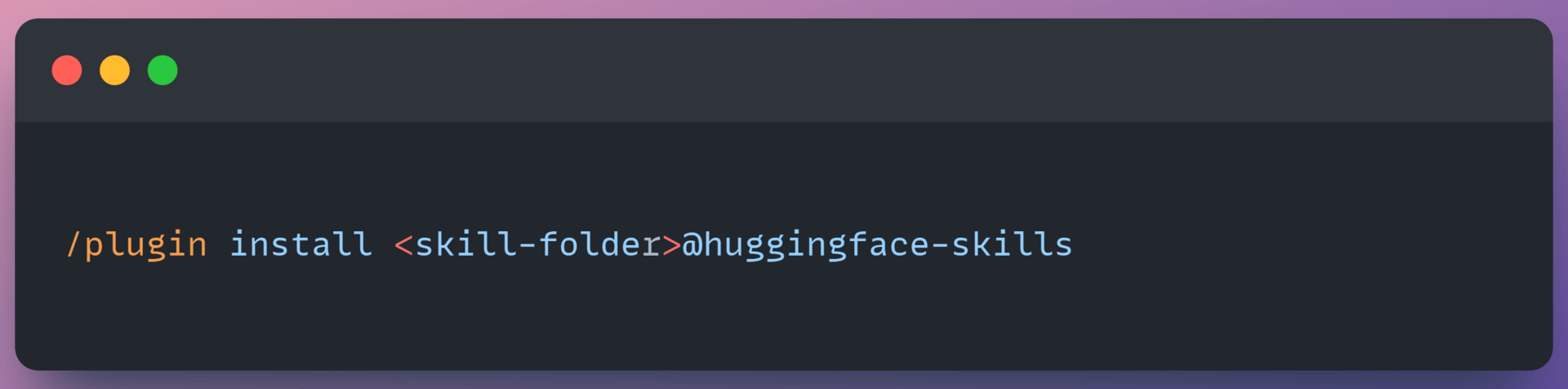
ii. To install a skill, run:
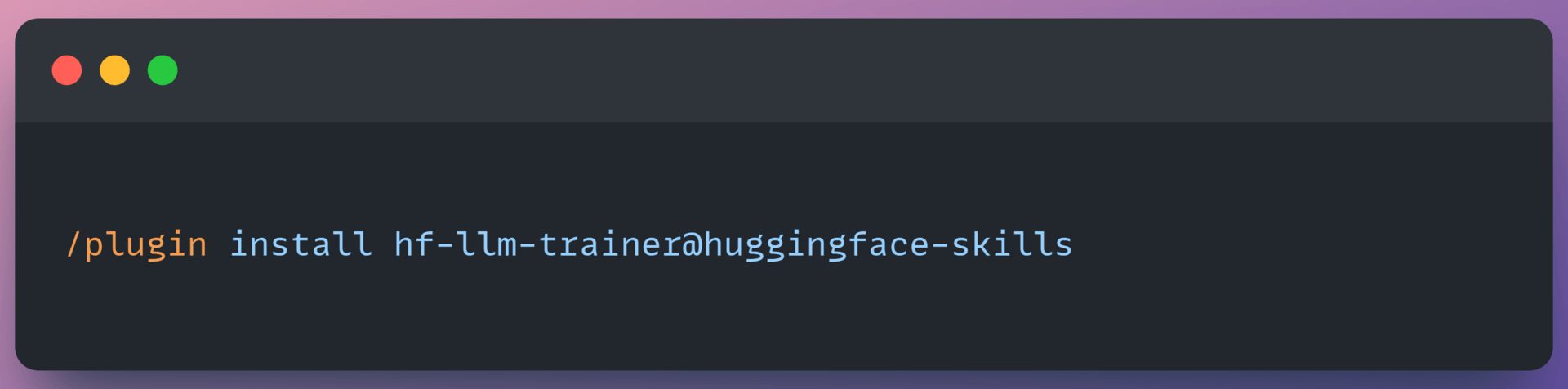
iii. Connect to Hugging Face
You have to authenticate to your hugging face account with a write access token so that the job can create a model repo.
Set up your token:
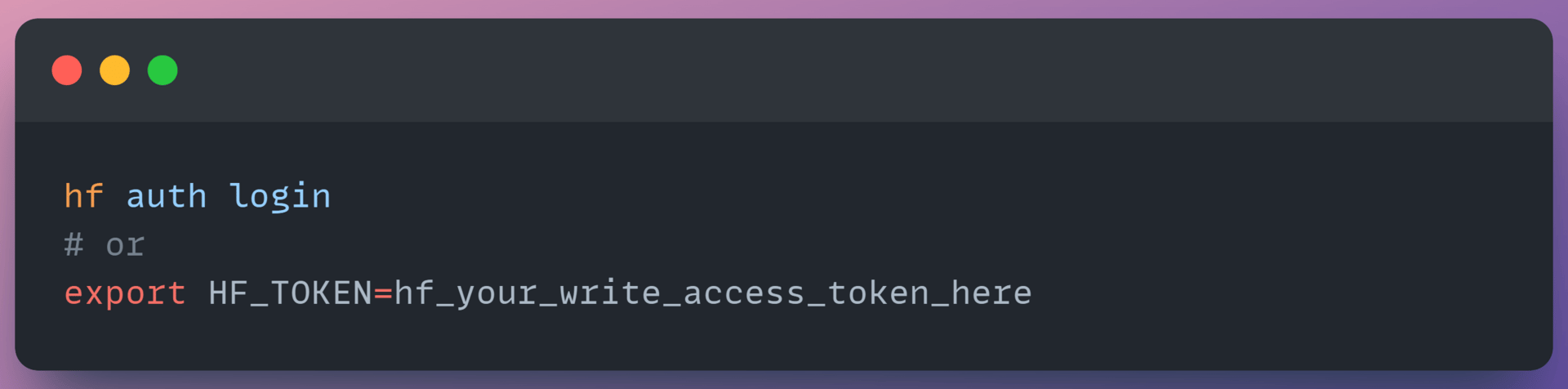
Configure Hugging Face MCP server to use your written token by sending it in either the HF_TOKEN or Authorization: Bearer HTTP Header

First training run
Instead of manually provisioning GPUs and debugging environments, the workflow follows a simple command structure:
Fine tune a small model to see the full workflow, then explore more advanced capabilities.
Instruct the Coding Agent to fine tune
1. Instruct the coding agent to fine-tune
You provide a natural language instruction to fine-tune a specific model on a dataset, such as
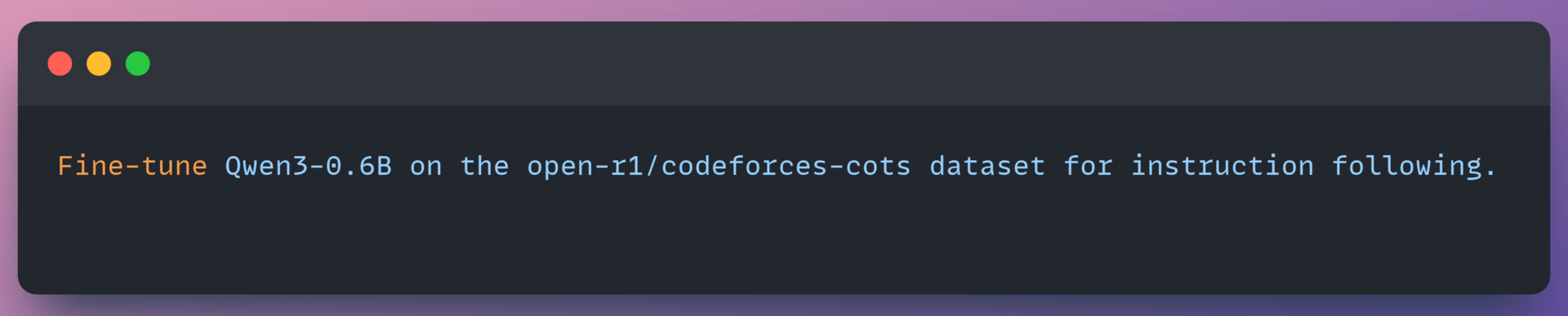
For a 0.6B model on a demo dataset, it selects t4-small, enough GPU for this model size and the cheapest option available.
Review before submitting
Before your coding agent submits anything, you'll see the configuration:
Output looks like:
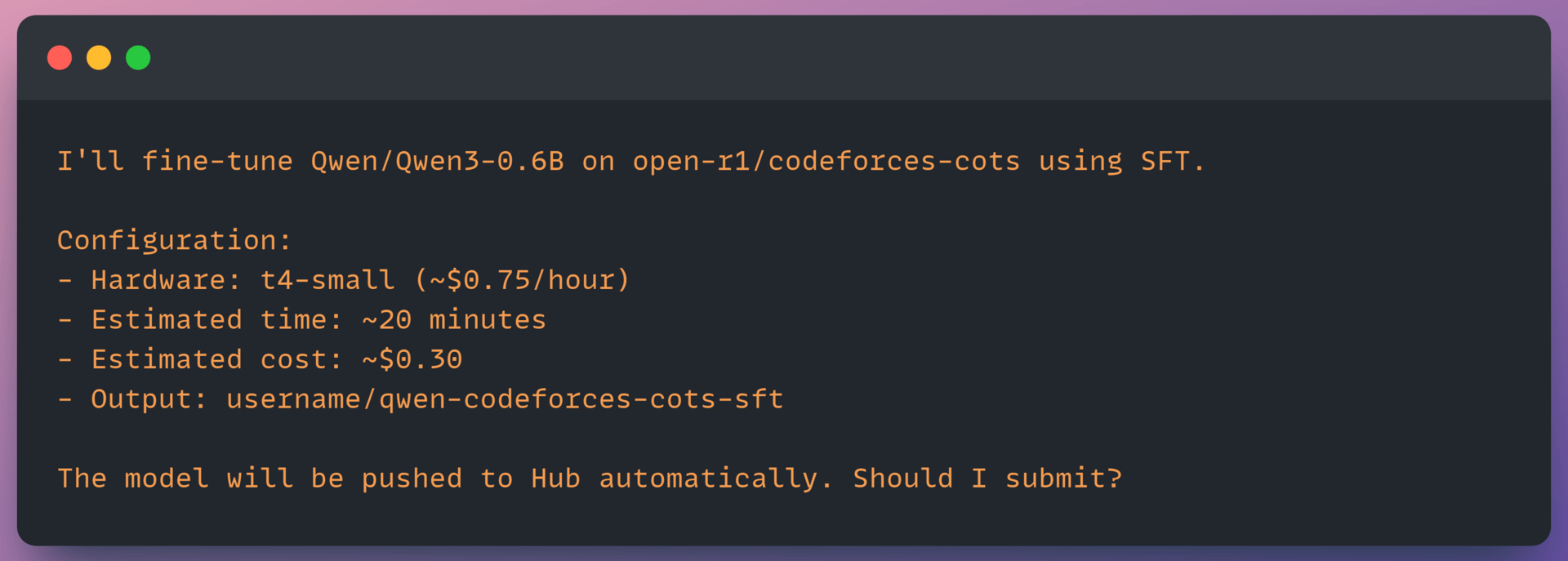
This is your chance to adjust anything. Change the output repo name, pick different hardware, or ask Claude to modify training parameters. Once you approve, the agent submits the job.
Track Progress
After submission, you get job details:
The skill includes Trackio integration, so you can watch training loss decrease in real-time. Jobs run asynchronously so you can close your terminal and come back later.
Training Methods Supported
The skill supports three training approaches. Choosing the right one depends on the type of data you have and the behavior you want to improve.
Supervised Fine-Tuning (SFT)
SFT is the starting point for most workflows. You train the model on high-quality input–output examples to teach it the desired behavior directly. This works well for tasks like customer support, domain-specific Q&A, or code generation where “good” outputs can be clearly demonstrated. For larger models, the system automatically applies LoRA to make fine-tuning feasible on limited hardware.
Direct Preference Optimization (DPO)
DPO is used when you have preference data rather than ideal answers. The model learns from pairs of responses where one is preferred over another, aligning outputs with human judgment. It is commonly applied after SFT and does not require a separate reward model. This approach also extends to vision-language models when preference annotations are available.
Group Relative Policy Optimization (GRPO)
GRPO is a reinforcement learning method designed for tasks with verifiable outcomes, such as math problem solving or code correctness. Instead of relying on human labels, it optimizes the model using programmatic success signals, making it effective for reasoning-heavy and structured tasks.
Together, these three methods cover example-driven learning, preference alignment, and reinforcement on objective tasks, giving flexibility across a wide range of training scenarios.
That’s a Wrap
That’s all for today. Thank you for reading today’s edition. See you in the next issue with more AI Engineering insights.
PS: We curate this AI Engineering content for free, and your support means everything. If you find value in what you read, consider sharing it with a friend or two.
Your feedback is valuable: If there’s a topic you’re stuck on or curious about, reply to this email. We’re building this for you, and your feedback helps shape what we send.
WORK WITH US
Looking to promote your company, product, or service to 100K+ AI developers? Get in touch today by replying to this email.