- AI Engineering
- Posts
- Fine-Tune 100+ LLMs Without Code

In today’s newsletter:
VideoRAG: Chat with Videos of Any Length
LLaMA-Factory: Fine-Tune 100+ LLMs Without Code
Claude-Mem: Persistent Memory for Claude Code
Reading time: 5 minutes.
VideoRAG is an open-source framework that lets you have natural conversations with video content, from 30-second clips to 100+ hour documentaries.
Most video AI systems hit limits around 10-15 minutes. They chunk content arbitrarily, losing temporal context.
VideoRAG handles hundreds of hours on a single GPU by building knowledge graphs that preserve relationships across the entire timeline.

How it works

VideoRAG builds knowledge graphs from video content. These graphs capture relationships between scenes, events, and concepts across the entire timeline.
When you ask a question, the system retrieves relevant segments through multi-modal understanding (visual, audio, text). Temporal context stays intact. The framework knows what happened before and after each segment.
The technical implementation uses a dual-channel architecture with hierarchical context encoding. What this means in practice: videos get distilled into structured knowledge that preserves how ideas connect over time.
Drop a 5-hour lecture series into the system. Ask it to compare arguments from different sections. It pulls relevant segments from hours apart and explains how concepts evolve across the timeline.
Here's the interesting part
The framework runs on a single RTX 3090 (24GB) and handles hundreds of hours of video. Knowledge graphs are sparse. The system stores relationships between meaningful segments, not every frame. This makes extreme length practical on consumer hardware.
Getting it running:
VideoRAG ships with Vimo, a desktop app. Drag and drop videos, start chatting.
Installation details and setup instructions are available on the VideoRAG GitHub repo. The Vimo desktop app is currently in beta for macOS Apple Silicon, with Windows and Linux versions coming soon.
Once installed and running, drop a video file into the window.
The system processes the video and builds the knowledge graph. A 1-hour video takes about 5-10 minutes to process. Longer videos scale roughly linearly.
Once processing completes, you can start asking questions.
Example queries:
"What are the main arguments in this lecture?"
"Find all scenes where the speaker discusses X."
"Compare the approach in video A vs video B."
The system retrieves relevant segments and generates answers with timestamp references. You see exactly which parts of the video informed each answer.
The system handles four types of queries particularly well.
Long-form content Videos up to 100+ hours maintain context across the entire timeline. Questions about connections between events hours apart get accurate answers.
Multi-video analysis Load multiple videos and ask comparative questions. The system finds relevant segments from different sources and explains relationships.
Semantic search Natural language queries work. The system understands intent and retrieves based on meaning, not keyword matching.
Temporal reasoning The knowledge graph preserves sequence. Ask "What led to this decision?" and get context from earlier in the timeline.
The LongerVideos benchmark includes 164 videos, 134+ hours spanning lectures, documentaries, and entertainment content. Full details in the research paper.
The multi-modal retrieval combines visual understanding, audio transcription, and on-screen text. A video where key information appears only in slides gets retrieved correctly when you ask about specific data points.

Fine-tuning LLMs typically means writing training loops, managing datasets, configuring optimization parameters, and debugging CUDA errors. Hours of setup before you even start experimenting.
LLaMA-Factory eliminates this. It's a zero-code CLI and Web UI for training, fine-tuning, and evaluating 100+ open-source LLMs and VLMs.
The interface handles everything. Launch the web UI, select your model (LLaMA, Gemma, Qwen, Mistral, DeepSeek, etc.), upload your dataset, configure LoRA parameters, and hit train. The system manages the training loop, optimization, and monitoring.
What the platform supports:
The full range of fine-tuning techniques:
Full-tuning, LoRA, QLoRA for parameter-efficient training
Freeze-tuning for targeted layer updates
PPO/DPO for reinforcement learning from human feedback
Reward modeling for alignment
Multi-modal fine-tuning for vision-language models
Training acceleration comes built-in via FlashAttention-2, RoPE scaling, and Liger Kernel. Experiments track automatically through TensorBoard, Weights & Biases, MLflow, and SwanLab.
Built-in templates for 100+ models mean you can start training immediately. No boilerplate code. No environment setup headaches.
For teams experimenting with fine-tuning, this compresses setup from days to minutes. Upload your domain-specific dataset, configure parameters through the UI, and start training. The system handles everything from data preprocessing to checkpoint management.
Research teams can iterate faster. Startups can prototype custom models without hiring ML infrastructure engineers. Anyone exploring fine-tuning can focus on the data and parameters that matter.
If you want to get started
Installation instructions are available on the LLaMA-Factory GitHub repo. Setup requires Python 3.9-3.11 and may need platform-specific PyTorch installation steps.
Once installed, the web UI launches in your browser. From there, select your model and dataset, configure training parameters, and start fine-tuning.
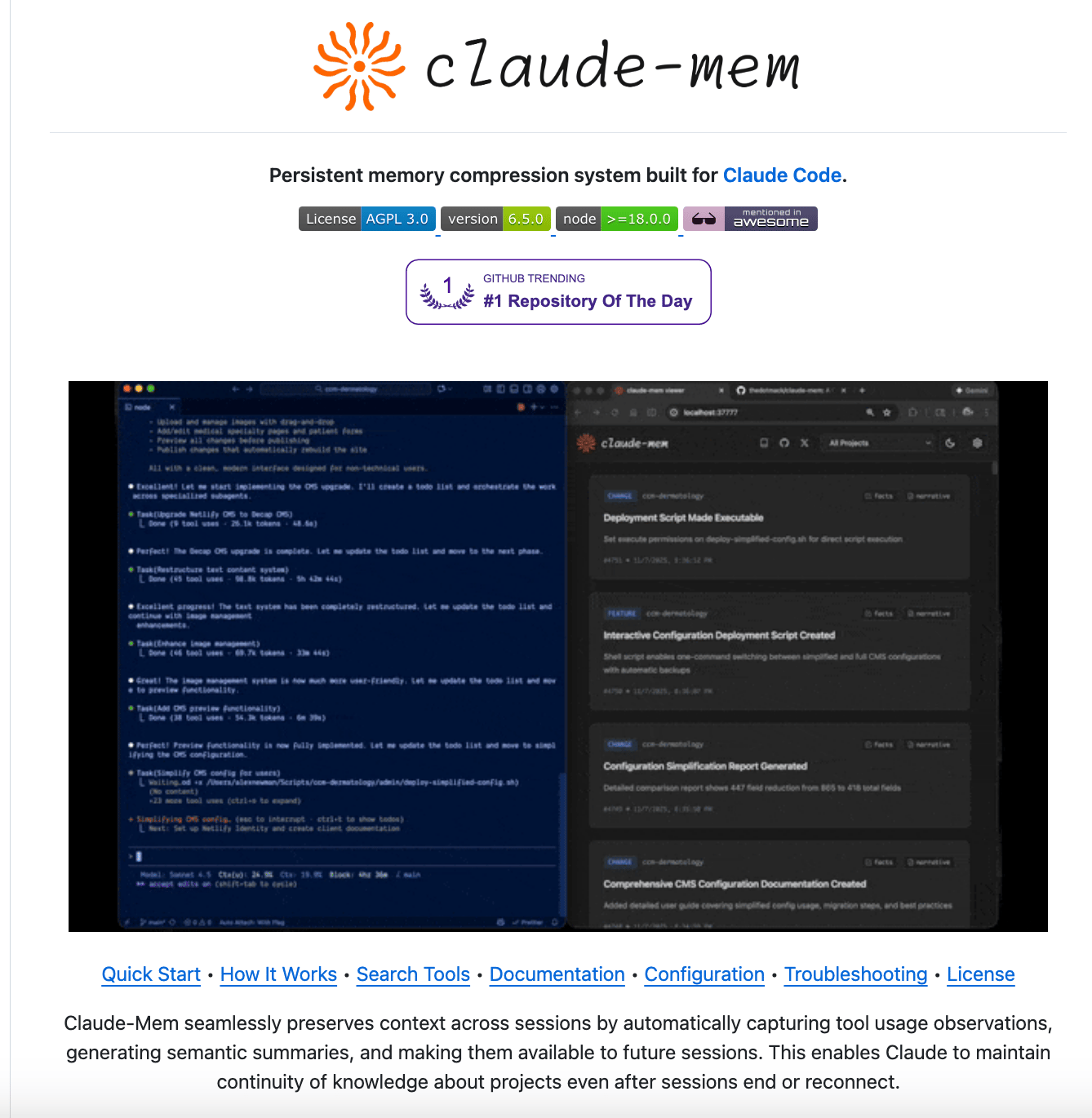
Claude Code forgets everything between sessions. Restart your terminal, and you're back to explaining architecture decisions, debugging context, and edge cases you already solved.
This creates friction. You spend the first 10 minutes of every session re-establishing context that should already be there.
Claude-Mem fixes this by adding persistent, local memory to Claude Code via MCP. Context carries forward automatically across sessions.
Here's how to install it
Install directly from the plugin marketplace:

Restart Claude Code, and the plugin automatically captures context from your sessions.
How the 3-layer system works:
The clever part is how it manages memory without burning tokens. Instead of loading everything every time, Claude-Mem uses a progressive retrieval system:
search: When Claude needs context, it first gets a compact index of relevant memories. Just IDs and brief descriptions.
timeline: If Claude needs more context, it can inspect what happened before and after a specific memory. This reconstructs the flow of decisions and debugging sessions without loading full details.
get_observations: Only after filtering does Claude fetch full details for specific memory IDs. This loads exactly what's needed, nothing more.
For developers using Claude Code daily, this means sessions pick up where you left off. Claude knows the refactoring you did yesterday. It remembers the bug you fixed last week and why you made that architectural choice.
The context is persistent, but token costs stay reasonable because the 3-layer system loads progressively. You get continuity without paying for unused context.
That’s all for today. Thank you for reading today’s edition. See you in the next issue with more AI Engineering insights.
PS: We curate this AI Engineering content for free, and your support means everything. If you find value in what you read, consider sharing it with a friend or two.
Your feedback is valuable: If there’s a topic you’re stuck on or curious about, reply to this email. We’re building this for you, and your feedback helps shape what we send.
WORK WITH US
Looking to promote your company, product, or service to 160K+ AI developers? Get in touch today by replying to this email.